
𐳤 Android · Closed Alpha
Test the FleshNote Companion
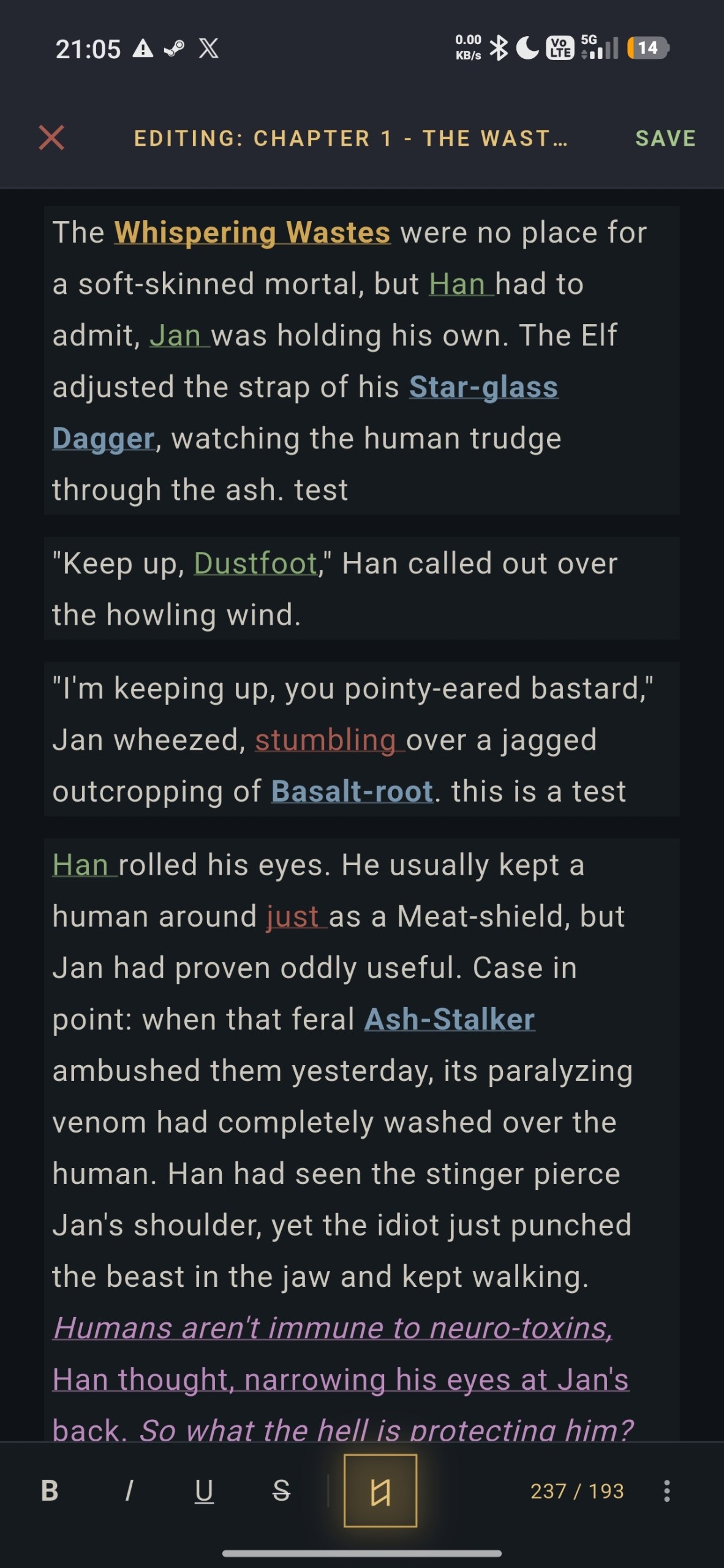
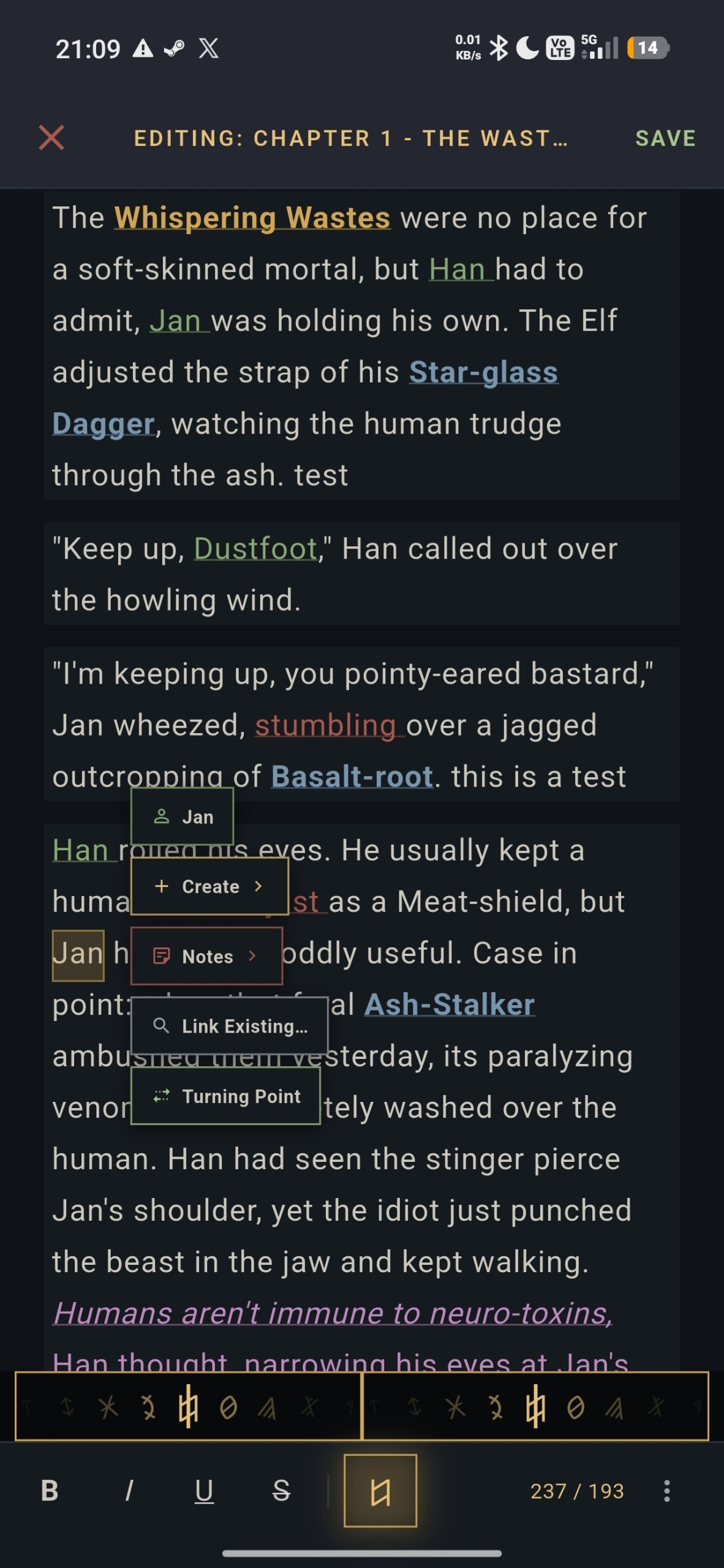
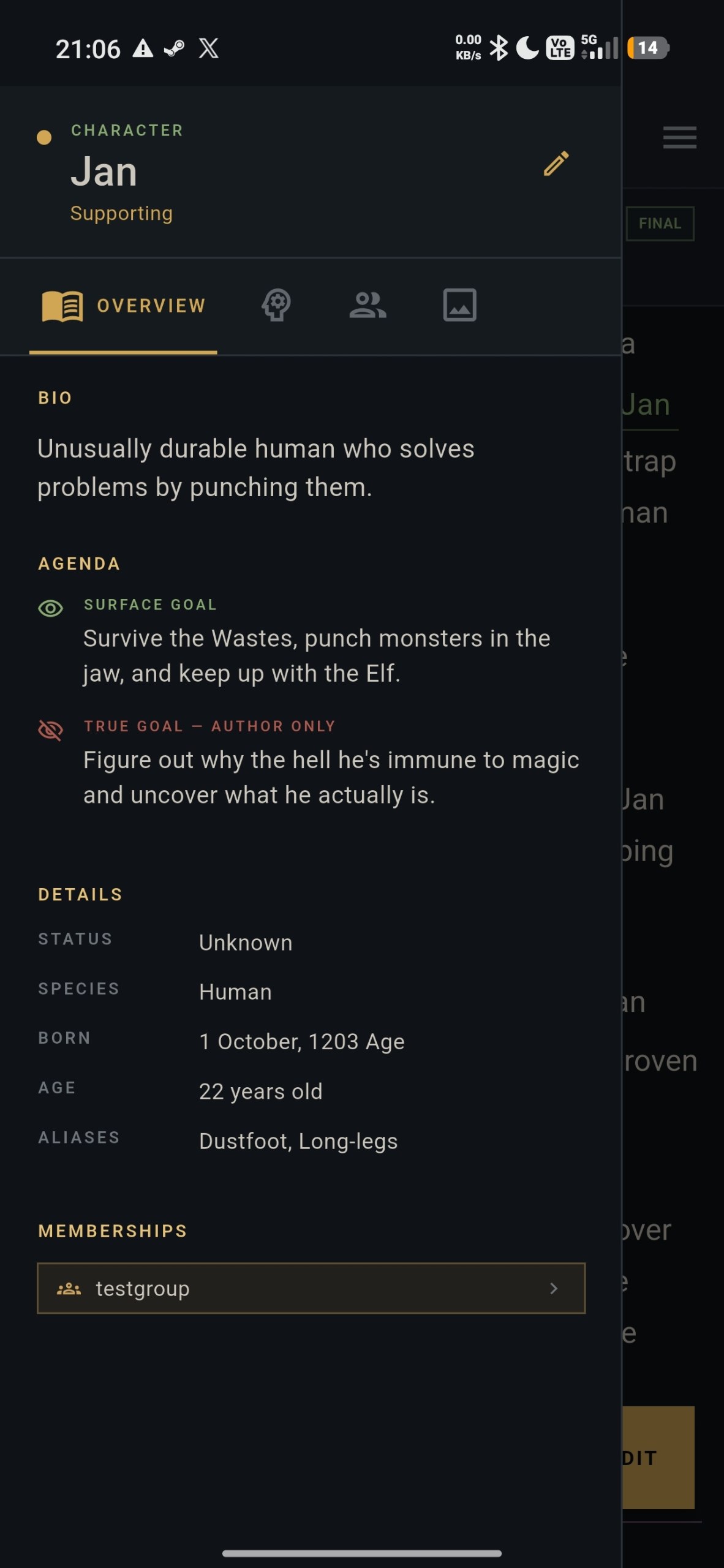
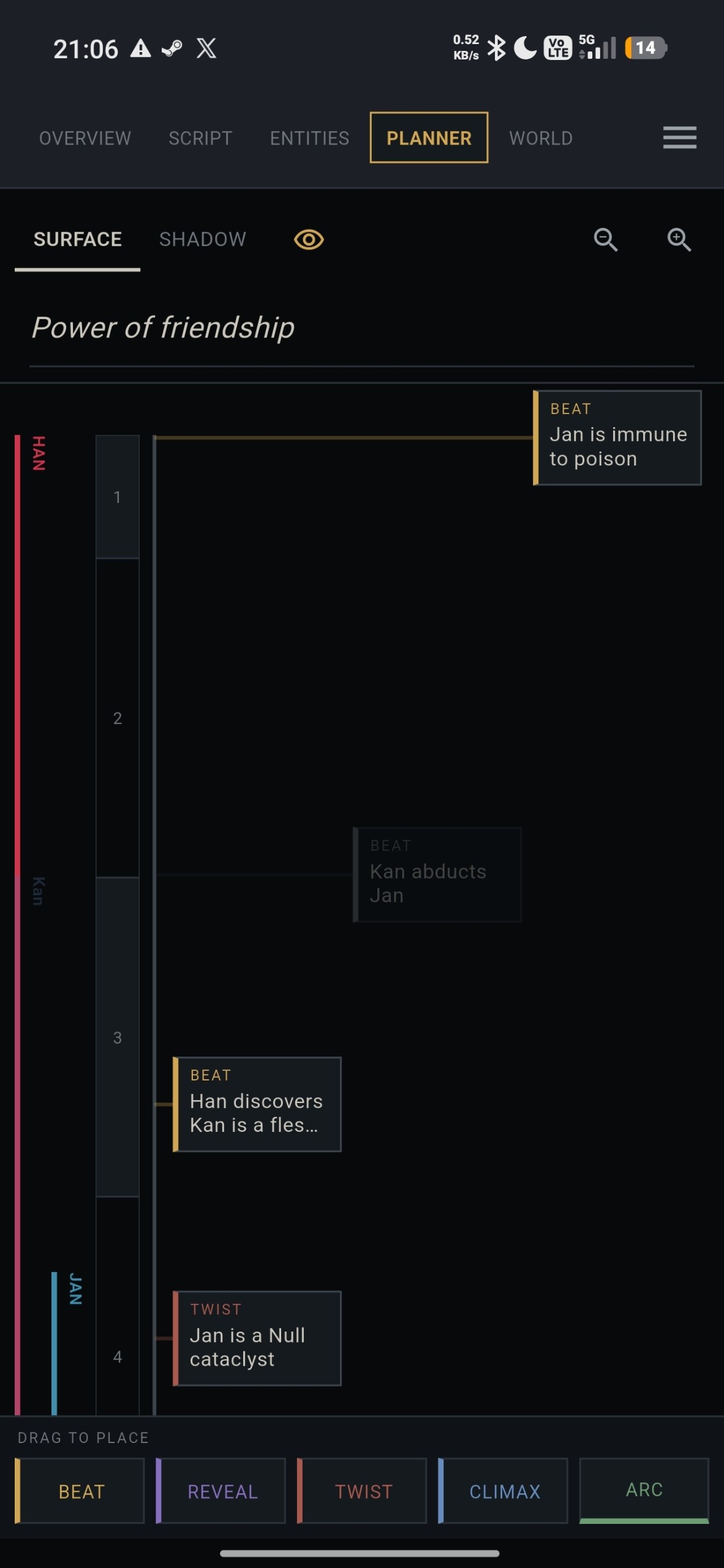
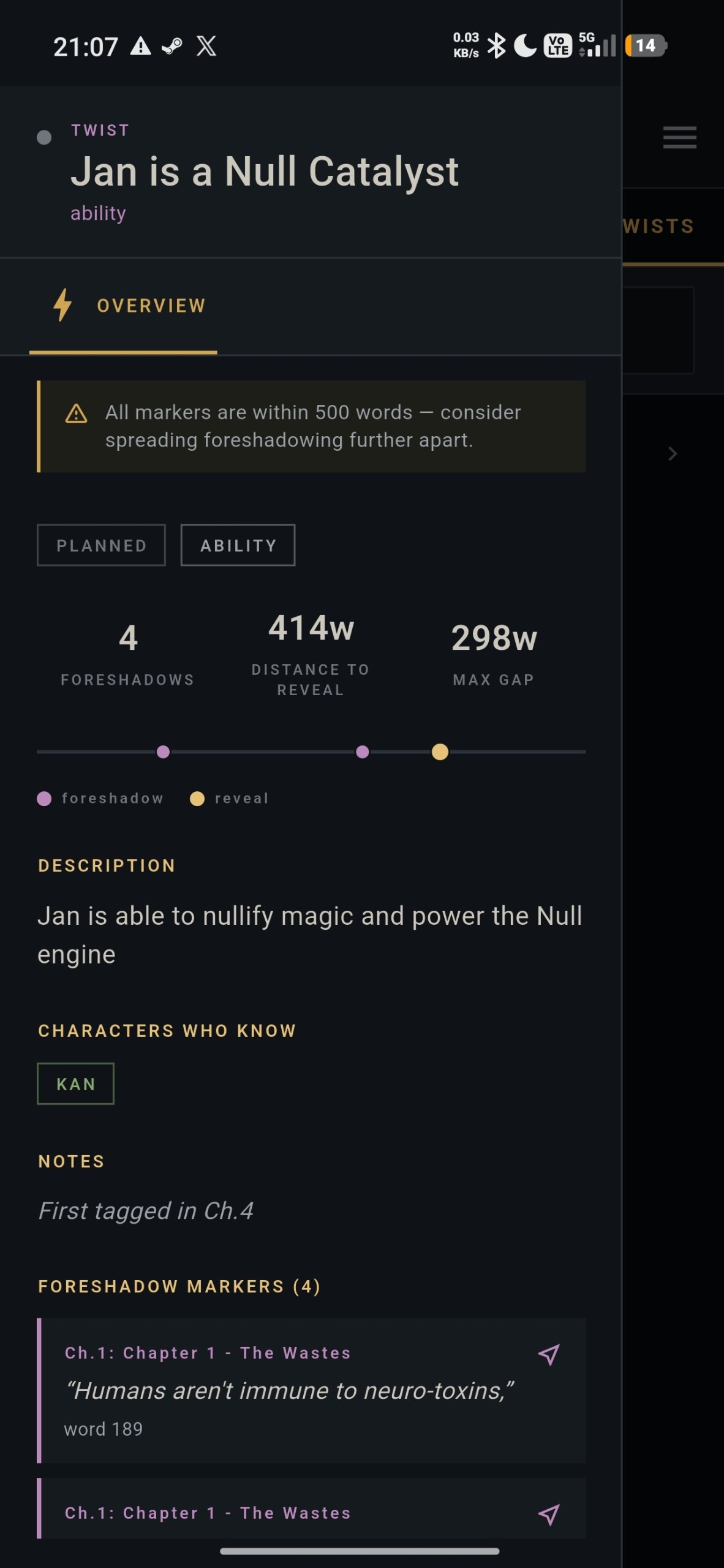
FleshNote on your phone: write chapters, look up your characters and check your plot, then sync it all with FleshNote on your computer. The app is in closed testing on Google Play, and joining takes about two minutes.
-
Join the testers' group. Google Play only lets in Google accounts that are in this group.
-
Become a tester. Open the testing page signed in with the same Google account and tap Become a tester. If it says you're not eligible, wait a few minutes after joining the group and try again.
-
Install FleshNote Companion from Google Play. The store page only opens once you've become a tester.
What's in the app
What to expect
- An early build. Things will break, and that's what we want to hear about.
- Updates arrive through Google Play like any other app.
- Keep your projects on your computer as the main copy while you test.
- Please stay in the group and keep the app installed for at least 14 days. Google Play only lets a new app go public once its testers have stayed that long, so every tester counts.
What you need
- An Android phone and a Google account.
- FleshNote 2.0 on your computer, to sync. Put both devices on the same Wi-Fi and scan the QR code the desktop app shows. (Cloud sync comes later.) Download FleshNote.
- Send feedback through the app's page on Google Play (it stays private), or post in the group.
- Joining the group shares your Google account's email address with us, only so Google Play can let you in.
Know a writer with an Android phone? Send them this page.